
Live Sports Betting
Bet on NHL, NBA, and soccer with in-play odds updated during the action.
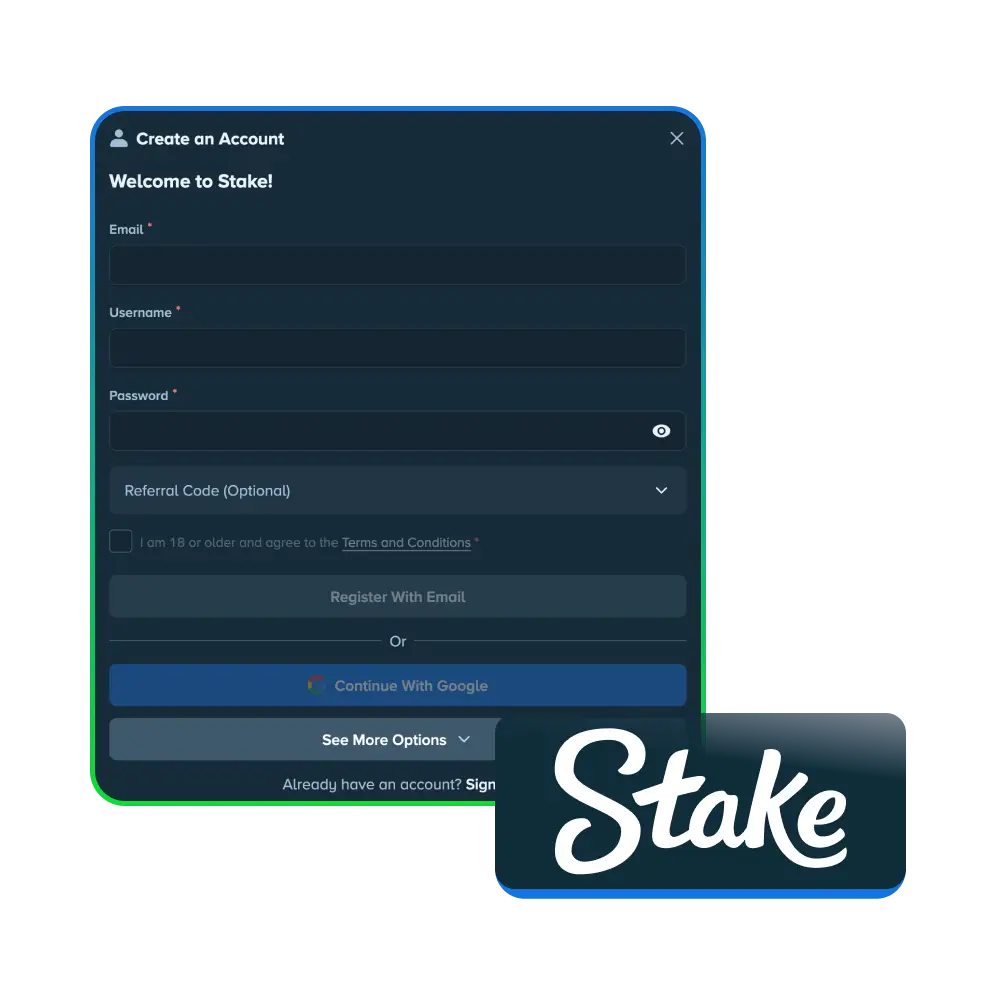
Registration is required before you access cash betting and casino games on Stake in Canada. Once you complete Stake registration, the sportsbook opens up, covering the NHL, NBA, and English Premier League, plus in-play markets updated throughout each event. The casino side runs thousands of slots, live dealer tables, and Stake Originals such as Crash, Plinko, and Mines. Account holders manage deposits, withdrawals, and bet history from one dashboard after login. This guide covers Stake sign up steps, account verification, and login access for players in Canada. Eligible new users in Canada can check the promotions page at signup for any current sign-up rewards.
A Stake account lets you place sports bets or play casino games for cash in Canada. Registration links your identity to your balance, protects your funds, and sets up the identity verification checks required before any withdrawal.
Stake registration in Canada takes a few minutes once you have your basic details ready.
Register with an email address or a linked Google account.
Add a username, password, and confirm your date of birth.
Set Canada as your country of residence and pick CAD or a cryptocurrency.
Open the confirmation link sent to your inbox to activate the account.
Verification confirms that the person behind the account matches the identity on file. This step protects your funds from unauthorized access and supports the checks required under the Curacao gaming license that covers Stake operations. Account holders in Canada complete verification before Stake processes a first withdrawal.
Complete these checks to verify your Stake account in Canada.

| Feature | Description |
|---|---|
| Accepted document types | Passport, driver’s licence, or provincial photo ID card |
| Processing time | Reviewed case by case, often within 1 to 3 business days |
| Mandatory for withdrawals | Required before the first withdrawal request completes |
| Data protection | Documents stored on encrypted servers under the Stake privacy policy |
| Mobile upload option | Submit documents directly from a phone browser or the Stake app |
Stake does not run a fixed bonus tied to your deposit amount for new sign ups in Canada. Account holders gain entry to the Stake VIP Club from their first cash deposit, which includes rakeback on wagers, level up rewards, and weekly reload offers. Current promotions and eligibility terms appear on the Stake promotions page at the time of registration.
| Feature | Description |
|---|---|
| VIP entry | Automatic access starts from your first cash deposit |
| Rakeback | A percentage of wagers returned regardless of win or loss |
| Level up rewards | Prizes earned as you climb VIP tiers through play |
| Weekly and monthly offers | Reload bonuses and races posted on the promotions page |

Stake registration goes without trouble for most users, though a handful of account holders in Canada run into minor hurdles.
| Issue | Solution Difficulty | Solution Description |
|---|---|---|
| Confirmation email not received | Easy | Check the spam folder or request a new confirmation link |
| Username already taken | Easy | Pick a different unique username during signup |
| Country restriction notice | Moderate | Confirm your province allows registration; Ontario residents cannot register |
| Password reset email delayed | Easy | Wait a few minutes, then request another reset link |
| Verification document rejected | Moderate | Resubmit a clear photo of a document that matches your account details |
| Duplicate account flagged | Moderate | Contact support with ID proof to resolve the duplicate account review |
Most of these fixes take a few minutes, and support agents on live chat handle the harder cases.
Stake registration on mobile follows the same form as desktop, though the app installs directly from the browser rather than an app store.

Account holders on Stake in Canada get access to several core features once registration is complete.
Bet on NHL, NBA, and soccer with in-play odds updated during the action.
Play thousands of slots, table games, and Stake Originals like Crash and Plinko.
Join public chat during live streams and community events.
Earn rakeback and level up prizes based on wagering activity.
No. Ontario runs its own regulated iGaming market, and Stake does not accept new accounts tied to Ontario addresses.
No. Stake allows one account per person, and duplicate accounts get flagged for review during verification.
You can select CAD or a cryptocurrency, such as Bitcoin, Ethereum, or Tether, when you set up your account.
Not immediately. Verification becomes mandatory before your first withdrawal request completes.
Use the password reset link on the login page, then follow the emailed instructions to set a new one.
Updated: